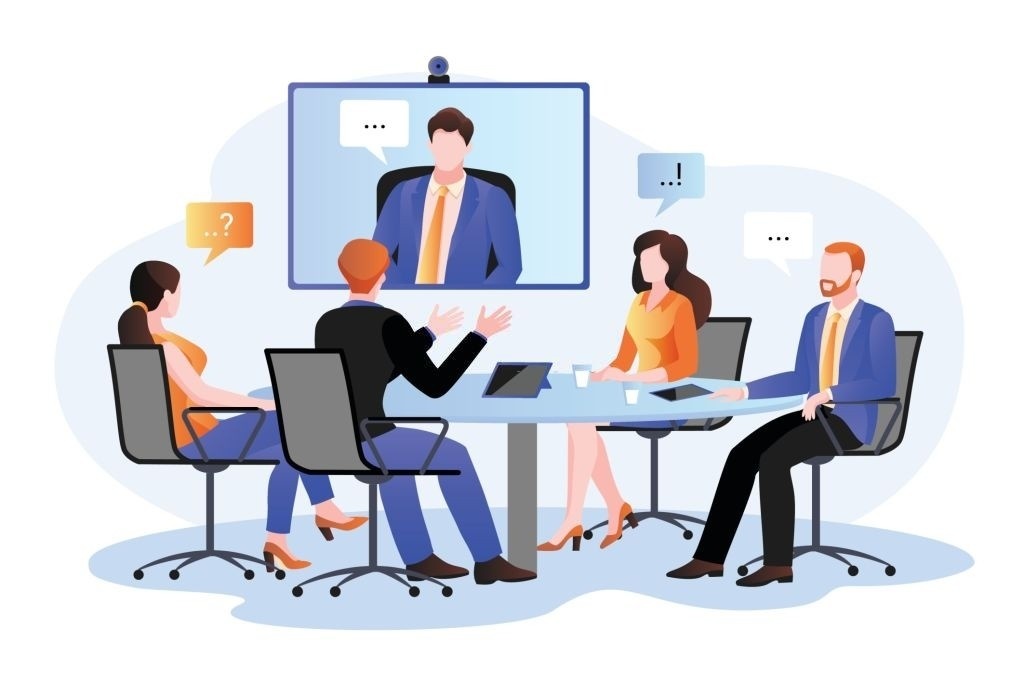
Remote and hybrid work are now part of the normal business landscape. Teams work across cities, countries, and time zones. Some employees work from home, some come to the office a few days a week, and others work fully remotely for global teams.
This has changed how companies train people, so distributed teams need learning that is practical, flexible, and usable across time zones and formats. The central challenge is to align learning with how distributed teams work.
A long classroom session once a year is not enough. A generic online course is not enough either. Distributed teams need learning that is flexible, clear, short, useful, and linked to real work. Upskilling must match how distributed teams work.
Gallup’s hybrid work data shows that, as of February 2026, 52% of remote-capable U.S. employees worked in hybrid roles, and 26% worked fully remote. Gallup also found that six in ten remote-capable employees prefer hybrid work, while fewer than 10% prefer being fully on-site.
For HR and L&D teams, this means training must be distributed so it does not depend on a single location, time zone, or format. That requirement shapes effective upskilling for distributed teams and sets the stage for the strategies that follow.
In 2026, the best upskilling strategies will fit how people work across distributed teams. The sections below focus on practical learning methods that support real work.
Why Upskilling Distributed Teams Matters
Skills are changing quickly. AI, automation, data tools, cybersecurity, digital operations, and new ways of working are changing job roles across industries.
The World Economic Forum’s Future of Jobs Report 2025 found that 22% of jobs are expected to be disrupted by 2030. It also projected 170 million new roles and 92 million displaced roles, creating a net gain of 78 million jobs.
This does not mean every employee needs to become a technology expert. It means most employees need to update how they work, and distributed teams face a harder challenge as a result.
For distributed teams, the challenge is harder because people are not learning in the same room. They may not have the same access to managers, peers, systems, or informal coaching.
A strong upskilling plan helps companies:
- Build skills faster
- Reduce knowledge gaps
- Support remote and hybrid employees
- Improve productivity
- Prepare people for new roles
- Reduce hiring pressure
- Improve employee retention
- Keep compliance training consistent across regions
Upskilling is no longer just an HR activity. For distributed teams, it is a business-planning priority because it must support how people actually work. The next section builds on that point by focusing on learning that connects directly to real work.
Build Learning Around Real Work, Not Limited to Courses
Many companies still treat learning as a separate event. Employees attend a webinar, complete a course, and receive a certificate. But this does not always change performance.
Learning can be more effective when it connects with daily tasks and supports real work.
Deloitte’s 2026 Global Human Capital Trends report notes that traditional training can be too slow to keep pace with change. It also highlights that AI is helping workers learn, adapt, and apply new skills directly in the flow of work.
This is especially important for distributed teams because employees often need help at the moment they are doing the work, not three weeks later.
A practical learning model should answer three questions:
- What skill does the employee need?
- Where will the employee use it?
- How will the manager know if performance has improved?
If training cannot answer these questions, it may be content, but it is not a strong upskilling strategy for distributed teams. The next approach builds on this idea by combining different learning formats.
Blended Learning will be the best for Remote and Hybrid Teams
Blended learning is one of the most effective models for distributed teams. It combines self-paced learning, live sessions, peer discussions, and practical assignments.
This model matters because remote employees need flexibility, but they also need structure.
1. Self-Paced Learning for Different Time Zones
Self-paced learning allows employees to complete short lessons at their convenience. This is useful for global teams because one live session may not suit everyone.
Self-paced content can include:
- Short videos
- Reading guides
- Tool walkthroughs
- Process explainers
- Recorded demos
- Case studies
- Interactive lessons
- Practice exercises
The content should be short and easy to apply. One lesson should teach one clear skill.
2. Live Sessions for Practice and Discussion
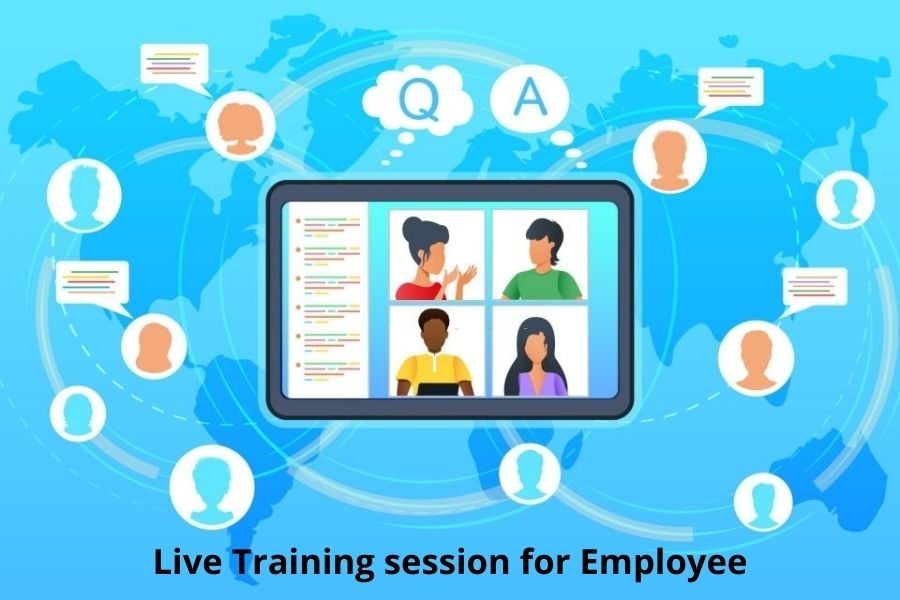
Live training still has value, but it should not become a long lecture. In remote and hybrid teams, live sessions work best when people use them for discussion, practice, and problem-solving.
A strong live session can include:
- Role plays
- Case discussions
- Tool practice
- Peer feedback
- Group problem-solving
- Question-and-answer time
- Real examples from current projects
Live sessions should help employees apply what they have already learned independently, building on self-paced work.
3. Applied Learning for Real Business Outcomes
The most useful learning happens when employees apply new skills to actual work.
For example:
- A sales employee practices a new discovery call method.
- A recruiter uses a new sourcing technique on a live role.
- A manager runs a better one-on-one meeting.
- A data analyst builds a dashboard using a new tool.
- A customer support employee handles a difficult case using a new process.
Applied learning gives training purpose and helps managers see whether the skill is being used. From there, the next step is to tailor learning more closely to each employee’s needs through personalized learning paths.
Create Personalized Learning Paths
A job title does not reflect an employee’s full skill level. Two people may have the same role but very different strengths.
For example, two project managers may both manage delivery. But one may need better stakeholder communication, while the other may need stronger data reporting skills.
This is why personalized learning paths matter for distributed teams.
LinkedIn’s 2025 Workplace Learning Report found that only 36% of organizations are “career development champions” with strong programs that show business results. Another 31% have programs with limited adoption, and 33% are just starting or have no initiatives. The report also notes that strong career development programs track useful metrics such as internal mobility and new skills delivered for the business.
Personalized learning works best when it is based on:
- Current role needs
- Future role goals
- Skill gaps
- Manager feedback
- Performance data
- Project experience
- Employee career interests
- Business priorities
This keeps learning relevant, and employees are more likely to engage when training connects to their work and growth. Another way to make learning easier to use is to make it shorter and more focused, which leads to microlearning.
Make Microlearning Part of Daily Work
Distributed teams already manage many tools: email, chat, video calls, project management tools, HR systems, CRMs, document platforms, and learning systems.
Long training programs can add more pressure.
Microlearning helps reduce that pressure by giving employees short lessons focused on one task, process, or skill at a time.
Good microlearning can include:
- A five-minute video
- A quick checklist
- A short quiz
- A one-page guide
- A tooltip inside a workflow
- A short scenario
- A manager discussion prompt
The goal is not to make learning smaller for its own sake. The goal is to make learning easier to use, especially for distributed teams that need support throughout the workflow.
Where Microlearning Works Best
Microlearning is useful for:
- Product updates
- Process changes
- Software tips
- Compliance refreshers
- Customer service scripts
- Interview training
- Sales objections
- Cybersecurity reminders
- AI tool guidance
- Manager coaching tips
For distributed teams, microlearning also reduces dependence on immediate manager availability, so employees can get help when they need it. That need for timely, practical guidance makes AI literacy the next essential part of the plan and the next step in the sequence.
Add AI Literacy for Every Upskilling Plan
AI is now part of many work tools. Employees use it to write, summarize, analyze, search, code, translate, plan, and automate routine tasks.
But AI training must be practical. It should not stop at “how to write prompts.” Employees also need to know when AI is useful, when it is risky, and when human review is needed.
The European Commission explains that Article 4 of the EU AI Act requires providers and deployers of AI systems to ensure a sufficient level of AI literacy among staff and others who use AI systems on their behalf. The guidance says AI literacy should consider the user’s knowledge, experience, and training; the context of use; and the people affected by the AI system.
For global teams, make AI literacy a critical training area in every upskilling plan.
What AI Literacy Should Cover
AI literacy training should include:
- What AI can and cannot do
- How to check AI-generated output
- How to protect confidential data
- How to avoid bias
- How to use approved tools
- When to involve a human reviewer
- Which tasks are suitable for AI
- Which tasks need caution
- How to document AI use when required
This is especially important for HR, recruitment, legal, finance, healthcare, customer support, cybersecurity, and data-heavy roles.
Make Compliance Training mandatory for Global Teams
Compliance training becomes harder when teams work across different countries. Data protection, labor rules, industry standards, safety laws, harassment policies, cybersecurity rules, and AI rules may differ by region.
A single global course may not be enough; instead, a better approach is modular compliance training.
The better approach is modular compliance training.
Use One Global Core and Local Modules
A good compliance program can have two layers:
Global Core Training
This covers company-wide principles such as ethics, data protection, anti-harassment, security, confidentiality, and responsible use of technology.
Local or Regional Training
This covers country-specific laws, local reporting rules, regional examples, and market-specific risks.
This structure keeps training consistent without making it too generic.
Make Compliance Practical
Compliance training should use real situations employees may face.
For example:
- Can an employee upload customer data into an AI tool?
- Can a remote worker use a personal device for client files?
- How should an employee report a data incident?
- What should a manager do if a team member reports harassment?
- Which client data can be shared across borders?
- What should be recorded after using AI in a work process?
IBM’s 2025 Cost of a Data Breach report found that the global average cost of a data breach was USD 4.4 million. IBM also warned that AI adoption without proper security and governance can increase data and reputation risk.
This is why compliance training should be simple, regular, and tied to real work.
Train Managers to Coach Distributed Teams
Managers play a major role in upskilling. But many companies focus only on employee training and forget manager training.
Distributed managers need specific skills.
They must know how to:
- Set clear goals
- Coach remote employees
- Give feedback online
- Track skill growth
- Support career development
- Run fair hybrid meetings
- Spot disengagement
- Help employees apply new learning
- Build trust across time zones
Without manager support, learning often stays inside the LMS. Employees complete courses, but their work does not change.
Managers should receive short coaching guides, skill checklists, and conversation prompts. They should also be trained to connect learning goals with team goals.
Measure Learning by Skill Use; include a certification as well
Course completion is easy to track, but it does not prove that learning worked.
A better learning strategy measures whether employees use the new skill on the job.
Useful learning metrics include:
- Skill improvement
- Time-to-productivity
- Internal mobility rate
- Promotion readiness
- Manager feedback
- Quality of work
- Error reduction
- Customer satisfaction
- Project speed
- Tool adoption
- Employee confidence
- Retention in key roles
For example, a cybersecurity course should not only show completion. It should also reduce risky behavior, improve reporting, and increase safe use of tools.
A sales training program should not only show attendance. It should improve call quality, deal progression, and conversion.
A manager training program should not only provide certificates. It should improve feedback quality, employee engagement, and team performance.
Support Peer Learning Across Locations
Remote and hybrid employees often miss casual learning. In an office, people learn by watching others, asking quick questions, or joining side conversations. Distributed teams need a planned way to replace some of that informal learning.
Peer learning can help.
Companies can create:
- Learning circles
- Peer coaching groups
- Skill-sharing sessions
- Internal communities
- Mentorship programs
- Office-hour sessions
- Project review forums
- “Show how you solved it” sessions
These formats help employees learn from real experience, not only from formal content.
They also build connections across locations. Learning is not only about acquiring knowledge. It is also about building confidence, trust, and shared standards.
Choose the Right Learning Technology
Learning technology should make upskilling easier, not more confusing.
A distributed learning system should support:
- Mobile access
- Recorded sessions
- Short lessons
- Multilingual content
- Regional learning paths
- Skills tracking
- Manager dashboards
- Assessments
- Certifications
- Calendar integration
- Compliance reporting
- Workflow-based learning
- AI-assisted recommendations
But technology alone will not solve the problem. A learning platform is useful only when the content is relevant, managers are involved, and employees have time to learn.
Before buying or expanding a learning system, companies should ask:
- Does this tool reduce effort for employees?
- Can managers see useful progress?
- Can we measure skills, not just completions?
- Can global teams access it easily?
- Can we update content quickly?
- Does it support compliance reporting?
- Does it fit into daily work tools?
The best learning tool is the one people actually use.
A Practical Framework for Upskilling Distributed Teams
Here is a simple framework companies can use in 2026.
1. Map the Skills That Matter
Start with business needs. Identify the skills needed for current work and future plans.
Focus on:
- Role-critical skills
- Digital skills
- AI literacy
- Leadership skills
- Compliance knowledge
- Customer-facing skills
- Cross-functional skills
2. Segment Employees by Learning Need
Avoid giving the same course to everyone. Group employees based on role, region, skill level, and business priority.
3. Use Blended Learning
Combine self-paced content, live practice, peer learning, and real work assignments.
4. Keep Lessons Short and Useful
Use microlearning for updates, refreshers, and task-based training.
5. Localize Where Needed
Adapt compliance, examples, language, and scenarios for regional teams.
6. Train Managers First
Managers must know how to coach, support, and measure learning.
7. Measure Application
Track how learning changes work quality, speed, confidence, and business outcomes.
8. Refresh Content Regularly
Distributed teams work in changing environments. Learning content should be reviewed often.
Final Thoughts
Upskilling distributed teams is not about adding more courses. It is about making learning easier to access, apply, and measure.
Remote and hybrid employees need flexibility. Global teams need local context. Managers need better coaching tools. Businesses need proof that learning is improving performance.
The strongest learning strategies combine:
- Blended learning
- Personalized learning paths
- Microlearning
- AI literacy
- Localized compliance
- Manager coaching
- Peer learning
- Clear performance metrics
When learning fits into daily work, employees do more than complete training. They build skills they can use. That is what makes upskilling work in a distributed world.