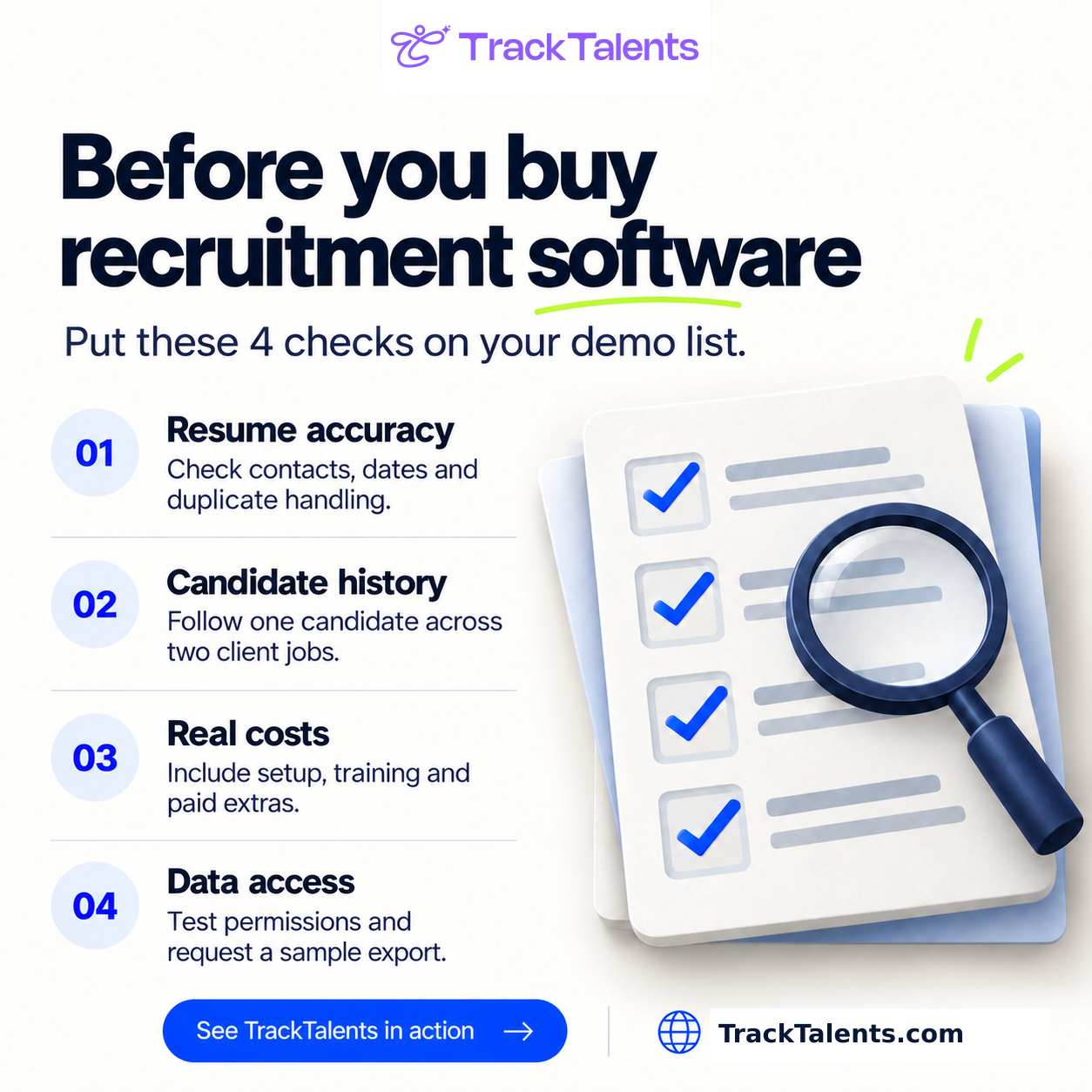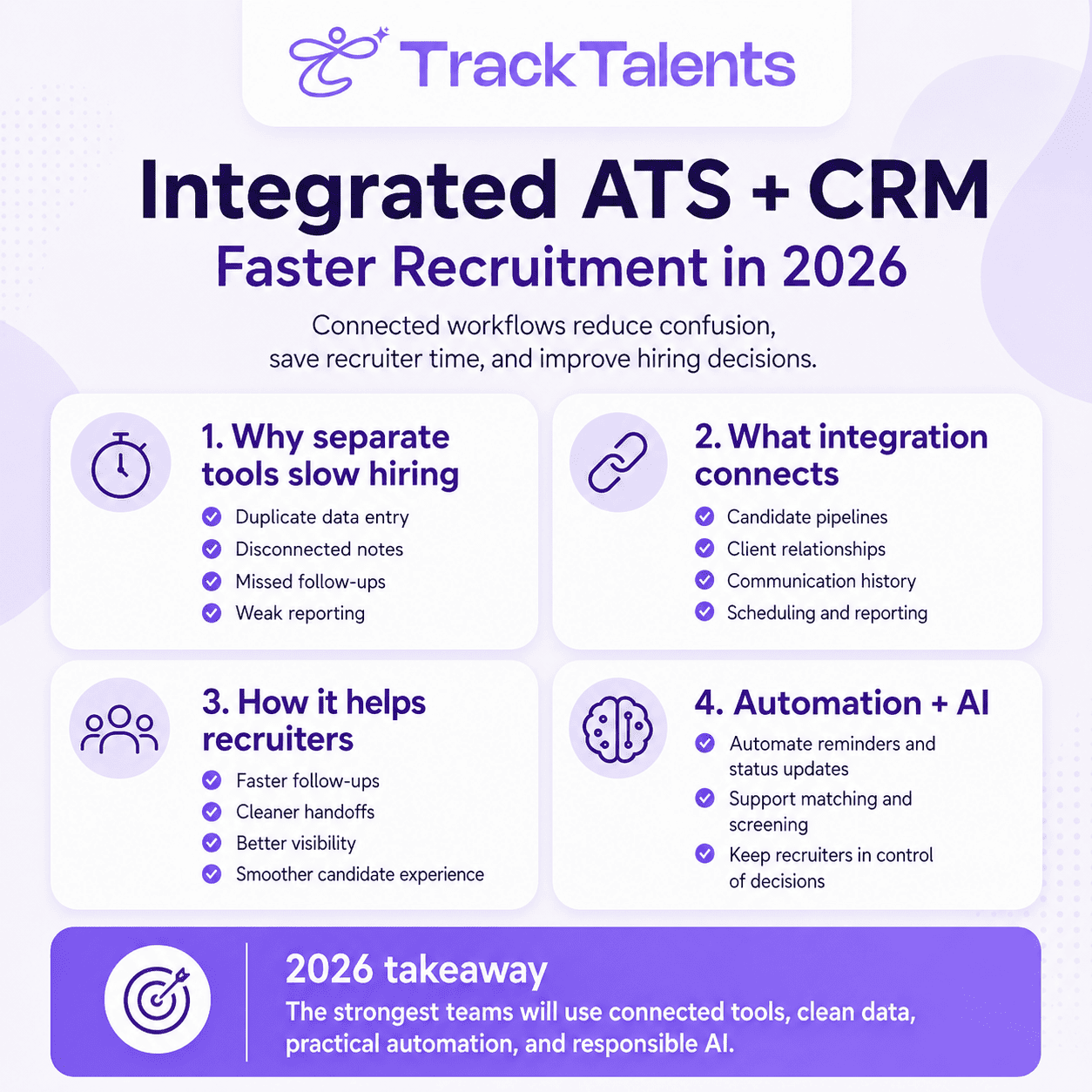
Selecting the right applicant tracking system (ATS) is a critical decision that shapes how your hiring team operates, makes decisions, and achieves results. This guide outlines seven essential steps for evaluating ATS solutions: understanding your hiring reality, testing automation, prioritizing structured hiring, ensuring data security, reviewing integrations, assessing the mobile experience, and measuring value by hiring outcomes. Each step is designed to help you match your ATS choice to your team’s needs, improve efficiency, protect candidate data, and support high-quality hires.
Choosing an applicant tracking system is now a major hiring decision. According to a recent report by Gartner, 77% of HR professionals consider upgrading their ATS a top priority in the next 12 months, reflecting the urgency felt across the field. The right ATS affects how recruiters work, how hiring managers review candidates, how applicant data is protected, and how leaders measure hiring results.
A good ATS does more than store resumes. It gives the hiring team one place to manage jobs, candidates, interviews, feedback, approvals, reports, and communication.
Greenhouse describes an ATS as software that brings applications, candidate information, and hiring workflows into a single platform, helping teams move faster and stay aligned. It also notes that strong ATS options support hiring manager participation, structured feedback, reporting, usability, integrations, and governance.
That is why the buying process needs care. The best ATS is not always the one with the most features. It is the one that fits your hiring model, team size, workflow, and future hiring goals.
LinkedIn’s Future of Recruiting 2025 report shows why this matter. It says 89% of talent acquisition professionals believe measuring quality of hire will become more important. It also found that only 25% feel highly confident in their organization’s ability to measure it well.
An ATS should help your team hire with more clarity, not just more speed.
Step 1: Understand how your Hiring Team works
Before looking at software demos, map how your team actually hires.
Vendor demos are polished. Real hiring is different. Recruiters deal with urgent roles, changing requirements, slow feedback, candidate follow-ups, approval delays, and reporting pressure.
Start with your current hiring process.
Review:
- Annual hiring volume
- Seasonal hiring peaks
- Number of recruiters
- Hiring manager involvement
- Number of locations
- Remote or global hiring needs
- Approval steps
- Agency or vendor usage
- Interview stages
- Reporting needs
- Current tools and spreadsheets
- Candidate communication lapses
A small business hiring a few people each month may need a simple ATS with job posting, resume tracking, and interview coordination. Examples of ATS options often used by small businesses include Breezy HR, Recruitee, and Workable, all available in their basic plans.
A staffing agency or high-volume employer may need deeper features such as automation, talent pools, bulk communication, source tracking, client workflows, and recruiter activity reports. For mid-size organizations, solutions like Lever or JazzHR offer more customization and automation. Larger enterprises, or those with complex recruiting needs, often choose more robust platforms such as Greenhouse, iCIMS, or SAP SuccessFactors, which support advanced integration and compliance requirements.
Right-sizing matters. A large enterprise tool can slow adoption if the team needs only core features. A basic tool can limit growth if the team handles many roles, clients, or locations.
Questions to Ask
- How many roles do we hire for each year?
- How many applications do we handle each month?
- Which tasks take the most time for recruiters?
- Where do candidates get delayed?
- Which reports do leaders ask for most often?
- Which tools must connect with the ATS?
The answers will help you evaluate the software more objectively.
Step 2: Test Automation with a Real Recruiting Work Environment
Most ATS vendors now talk about automation. The useful question is simple: which recruiter tasks will it reduce?
Good automation should support daily hiring work. It should speed up routine steps while keeping recruiters in control.
Look for automation that helps with:
- Resume parsing
- Candidate screening
- Interview scheduling
- Candidate reminders
- Stage updates
- Feedback requests
- Offer workflows
- Past candidate rediscovery
- Talent pool communication
- Application status updates
Pinpoint’s high-volume hiring materials focus on automation for screening, scheduling, candidate communication, talent pipelines, stage movement, and source-of-hire reporting. It also stresses the value of one shared view across roles, locations, and hiring stages.
This is the kind of automation buyers should test. It should remove repeated work, reduce delays, and keep candidates informed.
AI Integrations should be explainable and add value
AI can support recruiters by surfacing strong matches, analyzing resumes, and helping teams work faster. But AI should be explainable.
Ask vendors to show:
- Why a candidate is ranked highly
- Which criteria are used
- Who can change the criteria?
- Whether recruiters can override the result
- How bias risks are checked
- How decisions are logged
- What data is used for matching
The European Commission says AI tools used in employment, worker management, and access to self-employment can fall under high-risk AI rules, including CV-sorting software for recruitment. High-risk systems require safeguards such as risk mitigation, quality data, activity logging, documentation, transparency for deployers, human oversight, cybersecurity, and accuracy. For HR teams in the U.S. or globally, this means ATS platforms may be subject to new compliance checks, documentation requirements, and strict privacy controls. Decision-makers must confirm that their chosen ATS vendor adheres to relevant data protection standards and can provide clear evidence of compliance, enabling the organization to minimize legal risk and remain ready for audits across all hiring jurisdictions.
A practical ATS should help recruiters work smarter while keeping human decisions visible.
Step 3: Choose an ATS That Supports Structured Hiring
Hiring quality improves when every candidate is reviewed against clear role criteria.
Structured hiring helps teams compare candidates more fairly and more consistently. It also gives recruiters and hiring managers a clearer way to explain decisions.
Look for ATS features such as:
- Interview scorecards
- Role-based evaluation criteria
- Interview plans
- Feedback forms
- Hiring manager notes
- Approval trails
- Stage-wise candidate history
- Skills-based filters
- Standard interview questions
- Reporting by stage and source
“LinkedIn reports that more than 9 out of 10 talent acquisition professionals believe that accurate skill assessment is important for improving the quality of hire. It also found that companies with the most skills-based searches are 12% more likely to make a quality hire. This is where structured hiring becomes valuable. It helps teams focus on what the candidate can do, not only where they worked or which degree they hold.”
What to Check in a Demo
Ask the vendor to show one full hiring workflow:
- Create a role.
- Add job criteria.
- Build an interview plan.
- Review a candidate.
- Submit feedback.
- Compare candidates.
- Move a candidate to the next stage.
- Generate a hiring report.
This test will reveal whether structured hiring is truly built into the platform or only shown as a feature on a sales page.
Step 4: Ensure Candidate Data Security as a Core Requirement
An ATS holds sensitive information. This may include resumes, contact details, work history, salary expectations, interview notes, assessment results, offer details, and hiring decisions.
Security should be reviewed before purchase.
Ask vendors about:
- SOC 2 Type II
- ISO security standards
- GDPR readiness
- CCPA support
- Role-specific access
- Audit records
- Data retention rules
- Candidate data deletion
- Privacy controls
- Vulnerability reporting
- Backup and disaster recovery
- Admin permissions
- Vendor data processing terms
Worktable’s security page lists SOC 2 Type II, ISO/IEC 27017, GDPR support for privacy policy distribution, data retention and candidate deletion requests, CCPA data administration, OFCCP reporting support, and vulnerability reporting.
This means ATS buyers should expect this level of clarity from any vendor handling applicant data.
Simple Security Questions for Vendors
- Where are candidate data stored?
- Who can access candidate records?
- Can access be limited by role?
- Can candidate data be deleted on request?
- Are system activities logged?
- How are integrations secured?
- What happens when a user leaves the company?
- How often are security controls reviewed?
A vendor that explains security in plain language is easier to trust.
Step 5: Test Integrations in a Real Hiring Environment
Recruitment rarely happens inside one tool. Recruiters may use email, calendars, video interview tools, sourcing platforms, assessments, background checks, HRIS, onboarding systems, payroll tools, CRM software, and job boards.
That is why integrations matter.
Weak integration can lead to duplicate work. A strong integration keeps data moving cleanly between systems.
During the demo, ask the vendor to show how the ATS connects with your actual tools.
Check whether the system can support:
- Email and calendar integration
- Video interview tools
- Job board posting
- Career site applications
- Assessment tools
- Background checks
- HRIS connection
- Onboarding handoff
- Payroll or workforce systems
- CRM or client management tools
- Reporting dashboards
- Follow the Candidate Journey
Ask the vendor to walk through the candidate journey:
Candidate applies.
- Resume enters the ATS.
- The recruiter screens the profile.
- The interview is scheduled.
- The hiring manager gives feedback.
- Offer approval starts.
- The candidate is selected.
- Candidate data moves to onboarding or HRIS.
Watch how notes, documents, approvals, and candidate status move.
A strong ATS should reduce handoffs. It should not become another admin layer.
Step 6: Review the Mobile Experience for Candidates and Managers
Mobile hiring is part of the daily recruitment process. Job seekers often search for and apply from their phones. Hiring managers may review profiles between meetings. Recruiters may need updates while away from their desks. So, the mobile experience should be tested, not assumed. Test the candidate journey yourself.
Check:
- Can a candidate find a job easily?
- Is the job page clear on mobile?
- Can the candidate upload a resume without trouble?
- Are forms short and simple?
- Are emails easy to read?
- Is the interview information clear?
- Can candidates complete the process without confusion?
Then test the manager’s experience.
Check:
- Can managers review profiles on mobile?
- Can they submit feedback easily?
- Can they see interview details?
- Can they approve the following steps quickly?
- Can they access scorecards without extra effort?
A mobile-friendly ATS helps hiring move faster by allowing people to act when they have time.
Step 7: Measure How ATS is adding Value to your Recruitment Team
Price matters, but it alone is a weak basis for choosing recruitment software.
A low-cost ATS can become expensive if it creates manual work. A premium ATS can also fail if the team uses only a small part of it.
Measure value through hiring outcomes.
ATS success metrics comprise:
- Time-to-hire
- Time-in-stage
- Candidate drop-off
- Source quality
- Offer acceptance rate
- Interview-to-offer ratio
- Recruiter workload
- Hiring manager response time
- Cost-per-hire
- Quality of hire
- New hire retention
- Reporting accuracy
- Candidate experience feedback
“LinkedIn says the quality of hire is frequently measured by job performance ratings, new-hire retention, and hiring manager satisfaction. It also notes that the quality of hire should be measured consistently using the organization’s own data. This is important. An ATS should help leaders see what is working, where the funnel slows, and which sources bring stronger candidates.”
Build a Simple ROI View
Before buying, prepare a detailed Improvement document for customization.
For example:
- Reduce manual scheduling time.
- Improve hiring manager feedback speed.
- Increase candidate response quality.
- Improve source tracking.
- Reduce duplicate candidate records.
- Improve compliance reporting.
- Build a reusable talent pool.
- Shorten time-to-productivity after hiring.
Clear goals make vendor comparison easier.
ATS Evaluation Checklist for Buyers
Use this checklist before final selection.
Hiring Fit
- Matches current hiring volume
- Supports future growth
- Fits recruiter workflow
- Supports hiring manager involvement
- Works for required locations and teams
Recruiter Productivity
- Resume parsing
- Workflow automation
- Interview scheduling
- Candidate communication
- Talent pool search
- Reporting dashboards
Structured Hiring
- Scorecards
- Interview plans
- Skills-based criteria
- Shared feedback
- Approval trails
- Consistent candidate review
Security and Compliance
- SOC 2 or similar controls
- ISO standards, where relevant
- Role-specific access
- Audit records
- Data retention
- Candidate deletion
- Privacy support
- AI governance, where applicable
Integrations
- Calendar
- Job boards
- Career site
- Assessments
- Background checks
- HRIS
- Onboarding
- CRM
- Payroll where needed
Candidate Experience
- Mobile-friendly application
- Simple forms
- Clear job pages
- Punctual updates
- Easy interview scheduling
- Skilled communication
Reporting and ROI
- Time-to-hire
- Source quality
- Candidate drop-off
- Recruiter activity
- Hiring manager feedback
- Offer acceptance
- Quality of hire
- New hire retention
Final Thoughts
Choosing the right ATS is all about a smooth workflow and ease of access
The right system should help recruiters spend less time on admin and more time on quality hiring. It should help hiring managers give structured feedback. It should protect candidate data. It should connect with the tools your team already uses. It should give leaders reports they can trust. Start with your hiring reality. Test automation with real tasks. Review structured hiring features. Check security early. Walk through integrations. Test mobile journeys. Measure value through outcomes. The best ATS is not the one with the longest feature list. It is the system your team can use every day to hire better, faster, and with more confidence.